By Karen Uhl May 11, 2026
Walk into any fast-food chain, hotel lobby, or retail store today, and you’ll notice something different. The human cashier is often replaced — or at least joined — by a sleek touchscreen kiosk. This shift isn’t just about technology. It’s about money. Businesses are increasingly weighing the real-world return on investment of self-service kiosks against traditional counter service POS systems. The question isn’t just Self-Service Kiosk vs. Counter POS, but which technology looks more modern. It’s which one actually makes financial sense for your operation.
The Core Difference: Self-Service Kiosk vs Counter POS
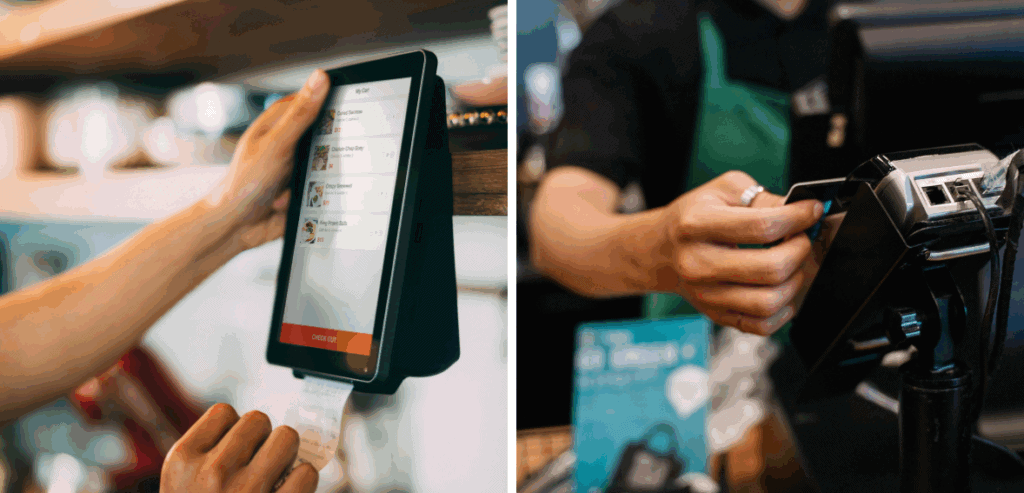
A counter service POS (point-of-sale) system is the traditional setup: a cashier uses a terminal to take orders, process payments, and manage transactions. These systems are deeply integrated into retail and food service workflows. They’re reliable, familiar, and supported by decades of software development.
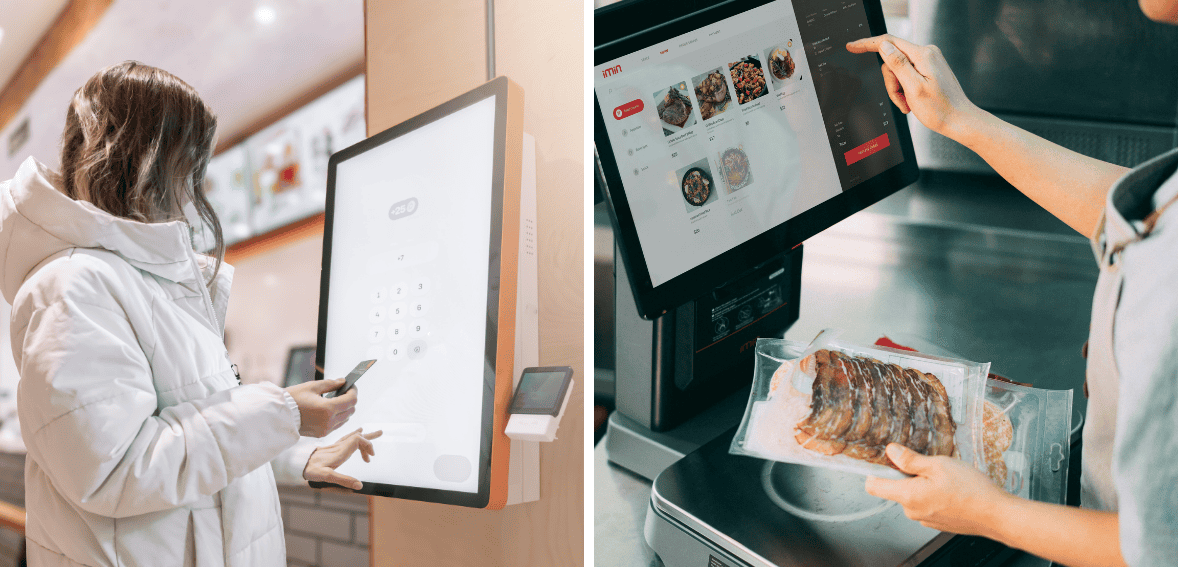
An alternative approach involves a self-service kiosk where customers handle both ordering and payment. Staff members do not participate in the transaction. The customer uses a kiosk with a touchscreen for order/check-in, payment, and then departs — without any staff involvement. There has been a notable increase in the use of this approach across sectors, from quick-service restaurants to healthcare facilities and airports, over the last 10 years.
The financial implications of choosing one over the other are significant. Understanding the distinction between a self-service kiosk and a counter POS is the first step toward making a smarter investment.
Upfront Costs: What Are You Actually Paying For?
The primary investment is usually where business owners begin, and oftentimes, it’s simply where they end. It is true that self-serve kiosks typically require more capital to get started. Only one sturdy, commercially-viable kiosk, regardless of the manufacturer’s reputation, may cost between $1,500 and $10,000. The kiosk’s price is affected by its touchscreen dimension, added equipment such as receipt printers and card readers, and/or the need for customized programmable kiosk applications. With several kiosks deployed to a single site, costs can add up very quickly.
Counter POS systems, by comparison, are generally more affordable to set up. A basic POS terminal with software, receipt printer, and card reader can cost anywhere from $500 to $2,500. Cloud-based POS platforms have also significantly reduced software licensing costs, making counter POS accessible even for small businesses on tight budgets.
Labor Costs: Where Kiosks Start to Win

This is the number that changes the entire conversation. Labor is consistently one of the largest operating expenses in industries like food service and retail. According to the National Restaurant Association, labor typically accounts for 30–35% of total restaurant revenue. That’s a massive line item — and one that self-service technology directly reduces.
When customers use a kiosk to order, you no longer need a dedicated order-taker at that station. For quick-service restaurants, a scenario that would typically require four cashiers during the lunch peak, you can run your business with only two. These two cashiers would be responsible for order verification, delivery, and customer assistance. Over a year, this can save a business $30,000 to $60,000 in labor costs, depending on the market, business hours, and wage rates.
Kiosks do not, and should not, eliminate employees. They refocus labor on tasks that add more value to the business. Employees can spend less time placing orders in the system and more time on quality control, managing exceptions, and customer experience. Employee morale also improves, as order entry is one of the most boring and unsatisfying tasks.
Counter POS systems, while efficient, still require a human operator at every terminal. As minimum wage increases continue across the United States — many states now above $15 per hour — the labor costs tied to counter POS become an increasingly significant burden. Once deployed, self-service kiosks carry no hourly wage liability.
Revenue Impact: The Upsell Advantage Nobody Talks About Enough
Here’s a finding that surprises most business owners. Self-service kiosks don’t just reduce costs — they actively increase revenue. Multiple studies and real-world deployments have demonstrated that customers’ spending at kiosks tends to be higher.
As an early champion of kiosk technology in the fast-food industry, McDonald’s reported that average order sizes grew significantly across locations after introducing self-order kiosks. Why? Thanks to their high-margin add-on, combo upgrade, and FOMO add-on offers, kiosks never rush, judge, or hesitate. A human cashier under the pressure of a line often omits the objective of an order — the upsell.
Customers also tend to feel less social pressure when ordering from a screen. They take their time. They browse. They add items they might have felt awkward requesting from a person. Research from Tillster, a digital ordering platform, found that customers spend an average of 20% more when ordering via kiosks than when ordering at the counter.
For counter POS systems, upselling depends entirely on employee training and consistency — two variables that are notoriously difficult to control at scale. The ROI from upselling with kiosks is not theoretical. It’s documented and repeatable.
Accuracy and Waste: Quietly Destroying Margins at the Counter
Order accuracy is another dimension of ROI that rarely gets the attention it deserves. Mistakes made at the counter — misheard orders, incorrect modifications, wrong sizes — create food waste, customer dissatisfaction, and remakes that eat into margins.
When customers input their orders at kiosks, miscommunication is no longer a risk. The KDS receives the order from the kiosk, eliminating errors caused by the employees. This is a win for both the business and the customer. Fewer errors mean less waste. This is a triple win: customers are more satisfied, and the business benefits from a positive financial impact.
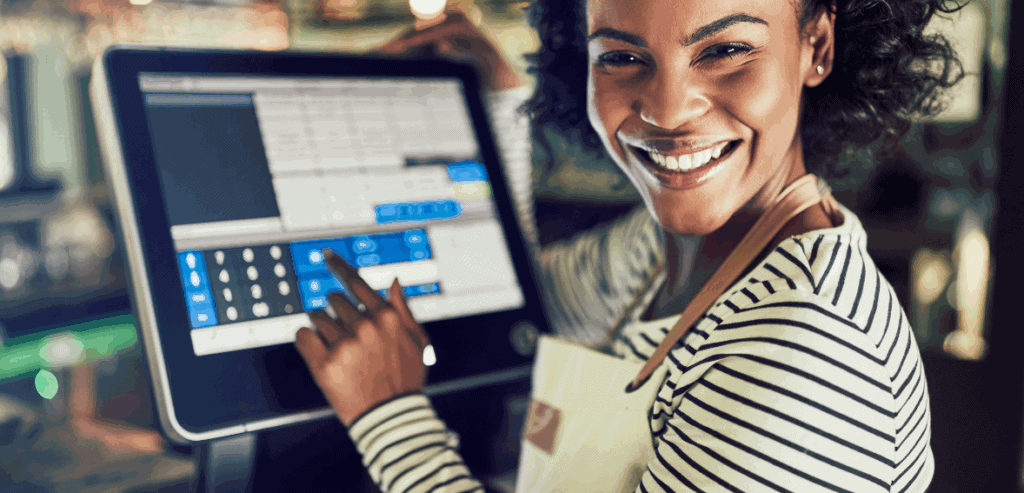
In a contrasting situation, the counter POS is at the mercy of the order takers. Order takers, for various reasons, can cause errors. Order errors can be caused by distracting noise, poor training or no proper training at all. When these errors are compounded by high-volume transactions, the financial losses can add up and become significant.
Maintenance, Software, and Hidden Costs
No technology investment is free of ongoing costs, and self-service kiosks are no exception. Hardware maintenance, software updates, connectivity requirements, and occasional hardware repairs are real line items. A kiosk out of service during peak hours is a problem. Businesses need to budget for hardware warranties, preventive maintenance contracts, and reliable technical support.
Counter POS systems also incur additional costs, such as software subscriptions, hardware replacement, and staff retraining when software updates occur. Counter POS systems employ simpler hardware and, as a result, are serviceable by more repair options, and therefore, are more cost-effective for repair and maintenance.
The net result is that the kiosk’s total cost of ownership (TCO) over three to five years is higher than that of counter POS, but the labor savings and revenue uplift typically more than offset this gap in medium- to high-volume environments. For lower-volume businesses, the math may tilt the other way.
Which Businesses Benefit Most From Kiosks?
Return on investment (ROI) for self-service kiosks is associated with transaction volume and labor intensity. Robust kiosks are seen in quick-service restaurants and other token self-service markets, such as fast-casual chains, stadium concessions, hotel check-in operations, cinema ticketing, and healthcare self-check. These markets process large volumes of high-value, generally standardized transactions.
Touch-type POS systems remain the best investment for high-touch, high-tech, and high-volume businesses. High-function fine dining, high-class and high-margin retail, high-value, high-differentiated service businesses, and markets where high-value, high-volume transactions are completed with human interaction. High-touch value and high-margin businesses, which are fine and high-class POS systems, are split into type-touch and type-split. Having such high-touch kiosks disrupts the service experience, damages the brand, and severely compromises loyalty, ultimately leading to the erosion of the business.
A hybrid model is increasingly common and often optimal. Many operators deploy kiosks alongside a staffed counter POS terminal, giving customers the choice and ensuring that those who prefer human interaction aren’t pushed away.
The Long-Term ROI Verdict
A pure ROI analysis of self-serve kiosk vs. counter POS offers inconclusive results without context. For labor-intensive, high-throughput operations, kiosks usually recoup their investments within 12-24 months. ROI from labor cost savings and added incremental revenue after the kiosk break-even point becomes positive. Forrester research shows that businesses adopting self-service technologies in optimal environments typically achieve a 200% to 400% ROI over five years.
Counter POS systems are a simpler and more cost-effective option when service complexity and customization are paramount. Unsure businesses trying to determine appropriate operational processes can reduce risk by implementing counter POS systems rather than kiosks.
The smartest operators aren’t choosing one over the other dogmatically. They’re analyzing transaction volume, labor costs, average order value, and brand positioning — and then deploying the right mix.
Conclusion
Technology decisions in business are rarely about the technology itself. They’re about economics and customer experience working in harmony. Self-service kiosks deliver compelling ROI through labor reduction, higher average order values, improved order accuracy, and operational efficiency — particularly in high-volume environments. Counter service POS systems offer simplicity, lower upfront investment, and the irreplaceable human element that some businesses genuinely depend on.
The self-service kiosk vs. counter POS debate doesn’t have a universal winner. It has a context-specific answer. Run your numbers carefully, know your customer, and invest accordingly.
Frequently Asked Questions
How long does it take for a self-service kiosk to pay for itself?
In high-volume environments like quick-service restaurants or hotel lobbies, most kiosk deployments reach break-even within 12 to 24 months. Labor savings are the primary driver, though incremental revenue gains from upselling accelerate payback significantly.
Are self-service kiosks better for customer experience than counter POS?
It depends on the industry and customer expectations. Research consistently shows that customers in fast-casual and quick-service settings prefer kiosks for speed and order accuracy. In fine dining or high-touch retail, human interaction remains essential to the experience.
What are the highest hidden costs of self-service kiosks?
Beyond upfront hardware costs, businesses should budget for software licensing, preventive maintenance contracts, connectivity infrastructure, and occasional hardware repairs. Training staff to support and troubleshoot kiosks is also an often-overlooked operational requirement.
Can small businesses benefit from self-service kiosks?
Small businesses with lower transaction volumes often achieve slower ROI from kiosks than larger operations. However, as kiosk hardware prices continue to decrease and cloud-based software becomes more affordable, the economics are improving for smaller operators — particularly those dealing with rising local minimum wage pressures.